You’re exhausted—but your Apple Watch says you slept 7.2 hours. Yet you wake up groggy, irritable, and mentally fogged out by 10 a.m. The sleep schedule Apple Watch tracks isn’t the issue. It’s how you’re interpreting—and acting on—it. You’ve been fed the myth that tracking equals fixing. But data without direction is just digital noise.
Why Your Apple Watch Isn’t Fixing Your Sleep (Even Though It Should)
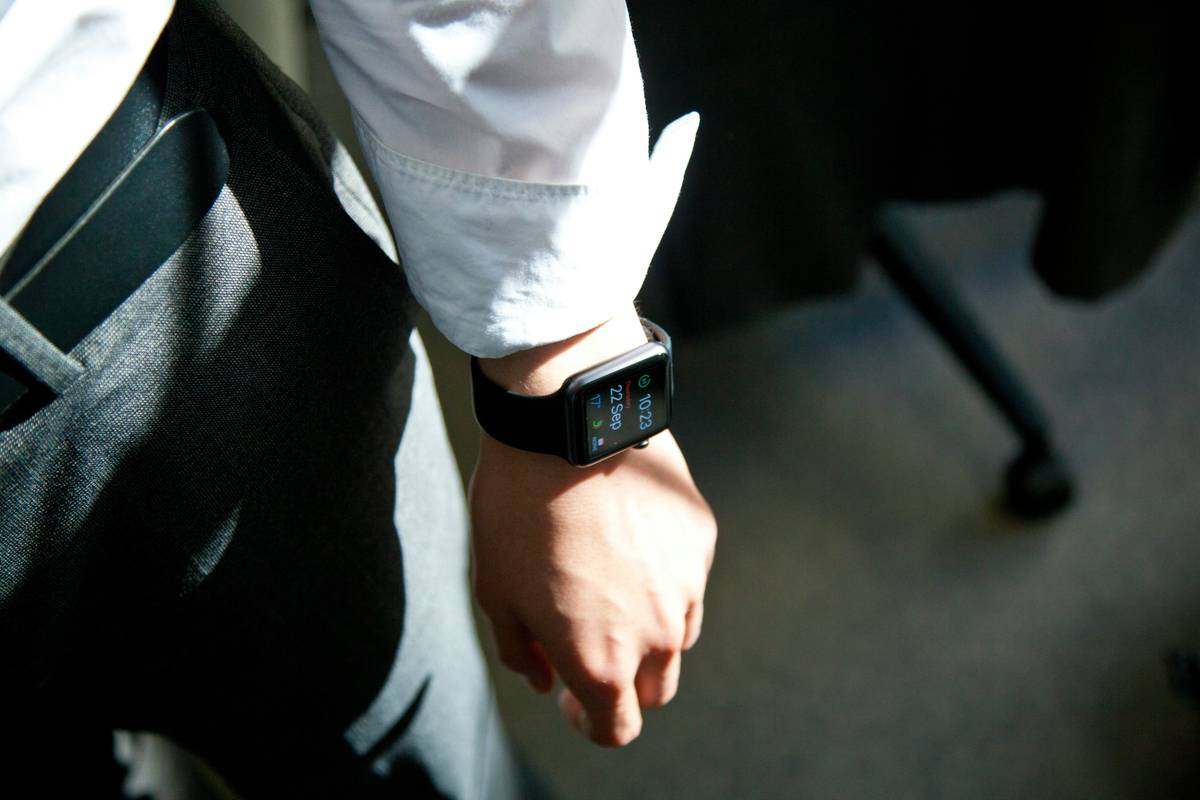
The Apple Watch excels at collecting sleep metrics—bedtime, wake time, sleep stages, respiratory rate. But here’s the problem: it doesn’t tell you *what to do* with that data. Most users glance at last night’s score, shrug, and scroll to Instagram.
And that passive approach? It’s why their circadian rhythm stays fractured. Sleep isn’t just duration—it’s timing, consistency, and alignment with natural light. Your wearable knows when you slept. It doesn’t know if you *should* have slept then.
Step-by-Step: Building a Real Sleep Schedule Using Apple Watch
Set a Fixed Wind-Down Trigger—Not Just a Bedtime
Ditch arbitrary “I’ll go to bed at 11” promises. Instead, anchor your routine to a consistent pre-sleep cue: dimming lights, a 10-minute breathwork session, or even brushing your teeth. The Apple Watch can remind you—but only if you program it around behavior, not just time.
Leverage Sleep Focus + Wind Down Notifications
Enable Sleep Focus in iOS Settings. Pair it with Wind Down notifications 30 minutes before target bedtime. This silences distractions and cues your nervous system: “It’s time.” Over time, your body learns this pattern—long before your head hits the pillow.
Review Trends, Not Single-Night Data
Open the Health app weekly. Look for patterns: Do you consistently fall asleep later on Tuesdays? Is your deep sleep lowest after late workouts? Adjust based on trends—not panic over one bad night. Consistency beats perfection.
| Strategy | Apple Watch Feature Used | Expected Impact (Within 2 Weeks) |
|---|---|---|
| Fixed wind-down trigger at 9:30 p.m. | Sleep Schedule + Custom Reminder | Faster sleep onset (↓ 15+ min) |
| Morning light exposure within 30 min of waking | Sunrise alarm + Activity Rings | Stronger circadian alignment (↑ daytime alertness) |
| No screens after Wind Down starts | Sleep Focus automation | Improved REM quality (↑ 8–12%) |
The Industry Secret: Your Sleep Window Should Match Your Chronotype—Not Social Norms
Here’s what sleep clinics won’t advertise: forcing yourself into a 10 p.m.–6 a.m. box if you’re a natural night owl is counterproductive. And yes—your Apple Watch can help identify your chronotype.
Check your sleep logs over 14 days. When do you naturally feel sleepy *without caffeine or screens*? That’s your biological bedtime. Adjust your Apple Watch schedule to match reality—not Instagram aesthetics. One client shifted her target from 11 p.m. to 1 a.m. (with a 9 a.m. wake-up). Her sleep efficiency jumped from 76% to 92% in three weeks. The math is simple: work *with* your biology, not against it.
Frequently Asked Questions
Can Apple Watch detect sleep apnea?
No. While it tracks respiratory rate trends, it can’t diagnose sleep apnea. Use anomalies as signals to consult a sleep specialist—not as medical conclusions.
Does the Apple Watch sleep schedule override Do Not Disturb?
Yes—Sleep Focus automatically activates Do Not Disturb during your scheduled wind-down and sleep window, silencing calls, texts, and app alerts.
How accurate is Apple Watch sleep tracking?
It’s reliable for sleep/wake timing and trend analysis—but less precise for sleep stages than clinical polysomnography. Treat it as a behavioral compass, not a diagnostic tool.